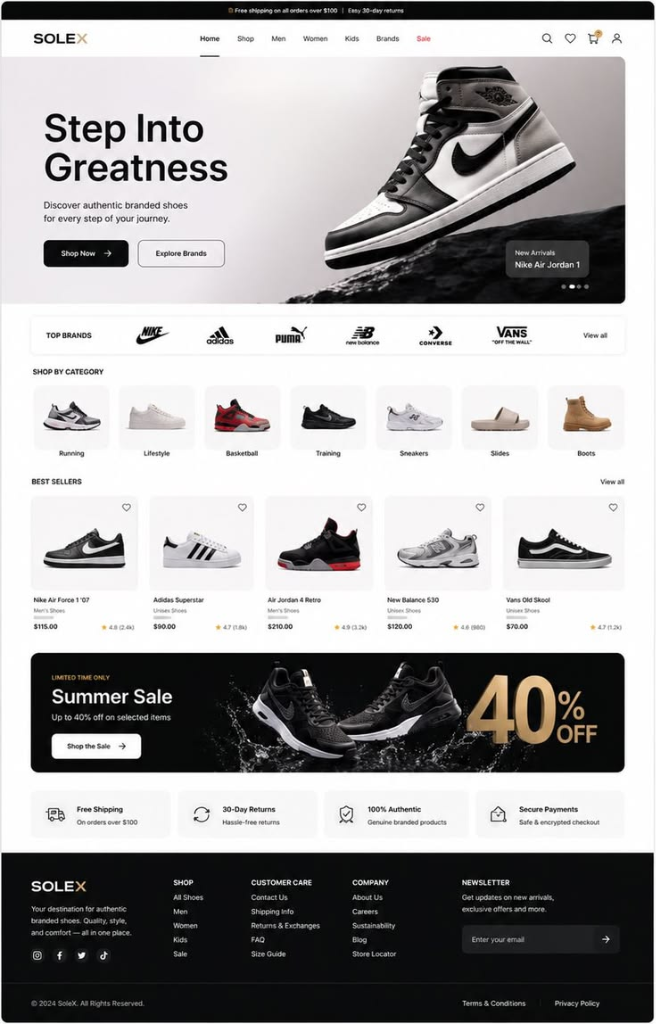
An AI chatbot for e-commerce stores answers the questions shoppers ask before they buy, like “When will this arrive?”, “Does this run small?” and “Can I return it?”, at any hour of the day. Set up well, it pulls answers from your own product pages and policies, helps people find the right item and hands tricky issues to a person. The best time to set one up is before your busiest season, not in the middle of it.
The holiday shopping stretch from Black Friday through the end of December is when many online stores see their heaviest traffic and their longest inbox. It’s also when a slow reply costs the most, because a shopper with an unanswered question can open another tab and buy somewhere else. Here’s how to plan, set up and test an e-commerce chatbot so it actually helps.
What an e-commerce chatbot should handle
Most of the messages an online store gets fall into a handful of repeat questions. Those are the ones to hand to an AI assistant first:
- Shipping and delivery. Shipping options, cutoff dates for holiday delivery, local pickup and where you ship.
- Order status. Where an order is, with a tracking link, once the chatbot is connected to your store platform.
- Returns and exchanges. Your return window, condition rules and how to start a return.
- Product questions. Sizing, materials, compatibility, care instructions and what’s in the box.
- Finding the right product. Narrowing choices by budget, use or recipient, then linking to the product page.
- Store basics. Payment options, gift cards, discount code rules and how to reach a person.
Keep a clear line around what the chatbot should not do. Changing an order total, issuing refunds outside your policy or taking card numbers in the chat window should stay with your team or your secure checkout.
Feed it your real store information
A chatbot is only as accurate as what you give it. Before you turn one on, gather the sources it should learn from and make sure they’re current:
- Your shipping, returns and privacy policies, with this season’s dates.
- Product descriptions that include sizes, dimensions, materials and compatibility in plain text.
- An FAQ page that answers your ten most common customer emails.
- Any holiday-specific details, like gift wrapping, extended return windows or last-ship dates.
If an answer isn’t written down anywhere, the chatbot shouldn’t guess. Tell it to say it isn’t sure and offer to connect the shopper with your team. Writing missing answers into your FAQ also helps shoppers who never open the chat.
Connect it to your store, carefully
A chatbot that only knows your policies is useful. One that can look up an order is far more useful. Most modern AI chatbots can connect to common store platforms so they can check order status and product availability.
Give the connection only the access it needs. Read-only access to order status and inventory covers most questions. Ask shoppers to confirm their order number and email before sharing order details, so one customer can’t look up another’s purchase. If you’re unsure what a tool can see inside your store, ask the vendor for a plain list before connecting it.
Write the conversation, not just the answers
Good chatbots sound like a helpful store clerk, not a search box. A few setup choices make a big difference:
- Be upfront that it’s AI. A short greeting like “Hi, I’m the store’s AI assistant” sets honest expectations.
- Start with buttons. Offer quick options such as “Track my order,” “Shipping dates” and “Help me choose a gift,” while still letting people type.
- Keep answers short. Two or three sentences and a link beat a wall of text on a phone screen.
- Link to the product. When it recommends something, it should link straight to that product page.
- Match your brand voice. Friendly and plain works for most stores. Avoid pushy upsells in every reply.
Plan the handoff to a person
Some conversations need a human: a damaged delivery, a gift that has to arrive by a certain day, an unhappy repeat customer. Decide in advance how those reach your team.
- Let shoppers ask for a person at any time, in their own words.
- Collect a name, email and order number before handing off, so your team doesn’t have to ask again.
- Tell the shopper when to expect a reply, especially after hours or on holidays.
- Send handoffs to one shared inbox or help desk instead of a personal email.
Test it before the rush
Spend an hour acting like your own customer. Ask the chatbot your most common questions, then try a few odd ones. Ask about a product you don’t sell, a shipping date that’s already passed and a return outside your window. Check that every answer matches your policies and that every link works on a phone.
Once it’s live, read a sample of conversations every few days during your busy season. Look for questions it couldn’t answer, then add those answers to your FAQ or product pages. Small fixes early keep it accurate when traffic peaks.
Privacy and compliance basics
Chat transcripts can include names, emails and order details, so treat them like any other customer data. Limit who can view them, set how long they’re kept and mention the chatbot in your privacy policy. Accessibility matters too: the chat window should work with a keyboard and screen readers. Rules vary by business and location, so check with a qualified professional if you’re unsure what applies to your store.
The takeaway
An AI chatbot can take the repeat questions off your plate during your busiest weeks, but it works best when it’s built on accurate store information, limited to safe actions and backed by a clear path to a real person. Start with shipping, returns and order status, test it like a shopper and improve it from real conversations. If you’re weighing whether a chatbot fits your store, a free consultation is an easy way to talk it through.